
Navigation
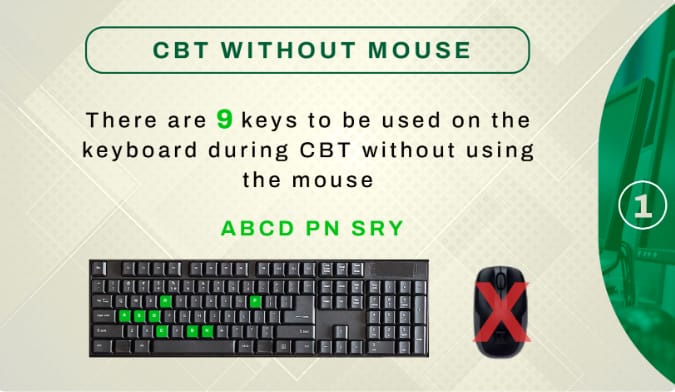
- TAB → Move between options, buttons, and fields
- SHIFT + TAB → Move backward
- ENTER → Select / confirm (same as clicking)
Selecting Answers
- Use TAB to move to the answer options (A, B, C, D)
- When the option you want is highlighted, press ENTER
- Some systems also allow:
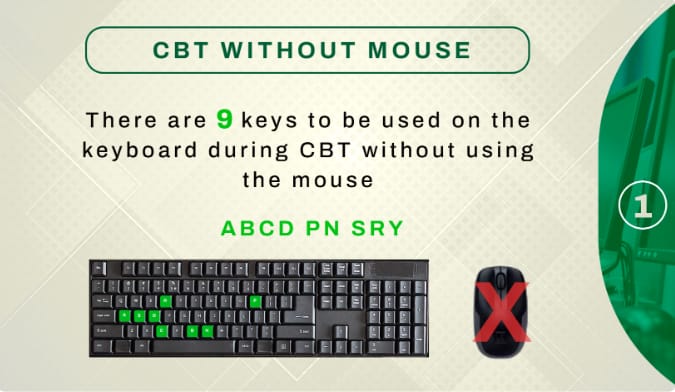
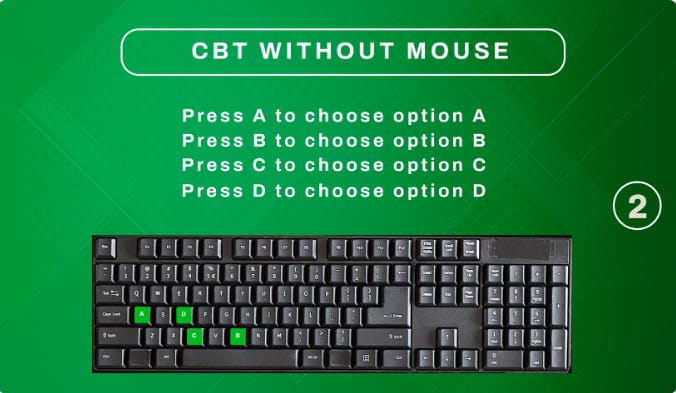
- A / B / C / D keys to select answers directly
Moving Between Questions
- TAB until you get to:
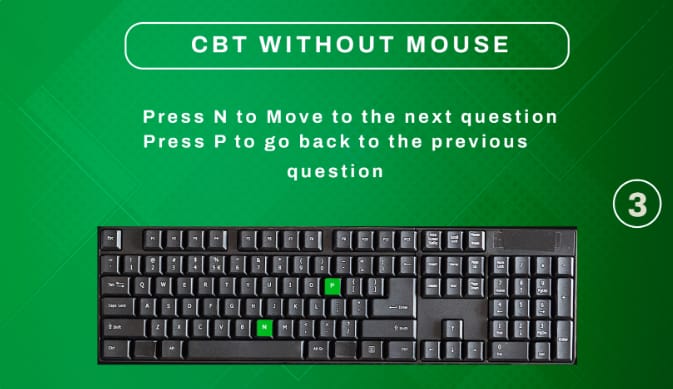
- Next → press ENTER
- Previous → press ENTER
- You can also jump using the question numbers with TAB + ENTER
Skipping / Returning to Questions
- Simply go to Next without selecting an answer
- Unanswered questions are usually marked automatically
- You can return anytime before submission
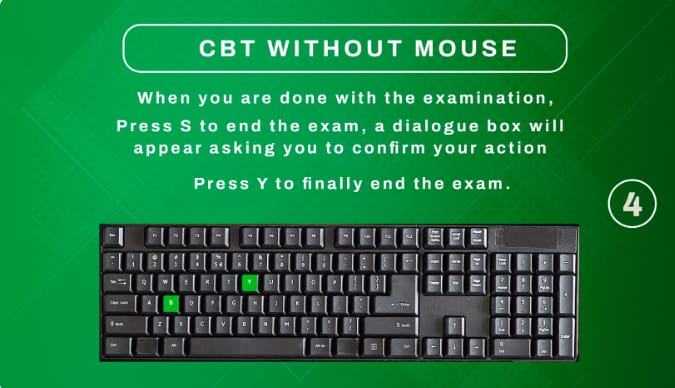
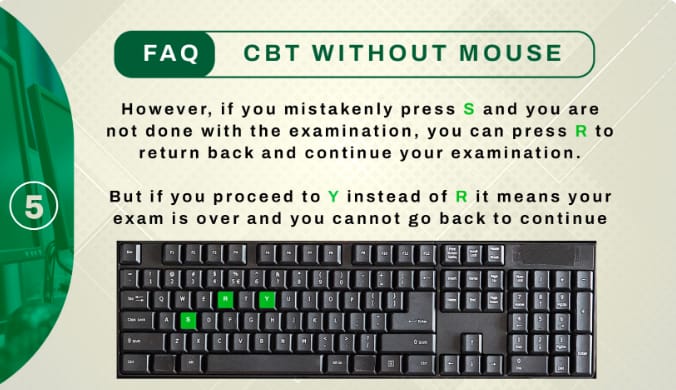
Submitting the Exam
- Press TAB until SUBMIT is highlighted
- Press ENTER
- Confirm submission with ENTER again
Important Tips
- Don’t panic if the mouse isn’t working — keyboard is enough
- Take a few seconds at the start to practice TAB + ENTER
- Avoid pressing random keys
Share CBT exam speed tricks with us in the comment section if you find this helpful.
You can also join our whatsapp platform Click Here To Join
About the Author